
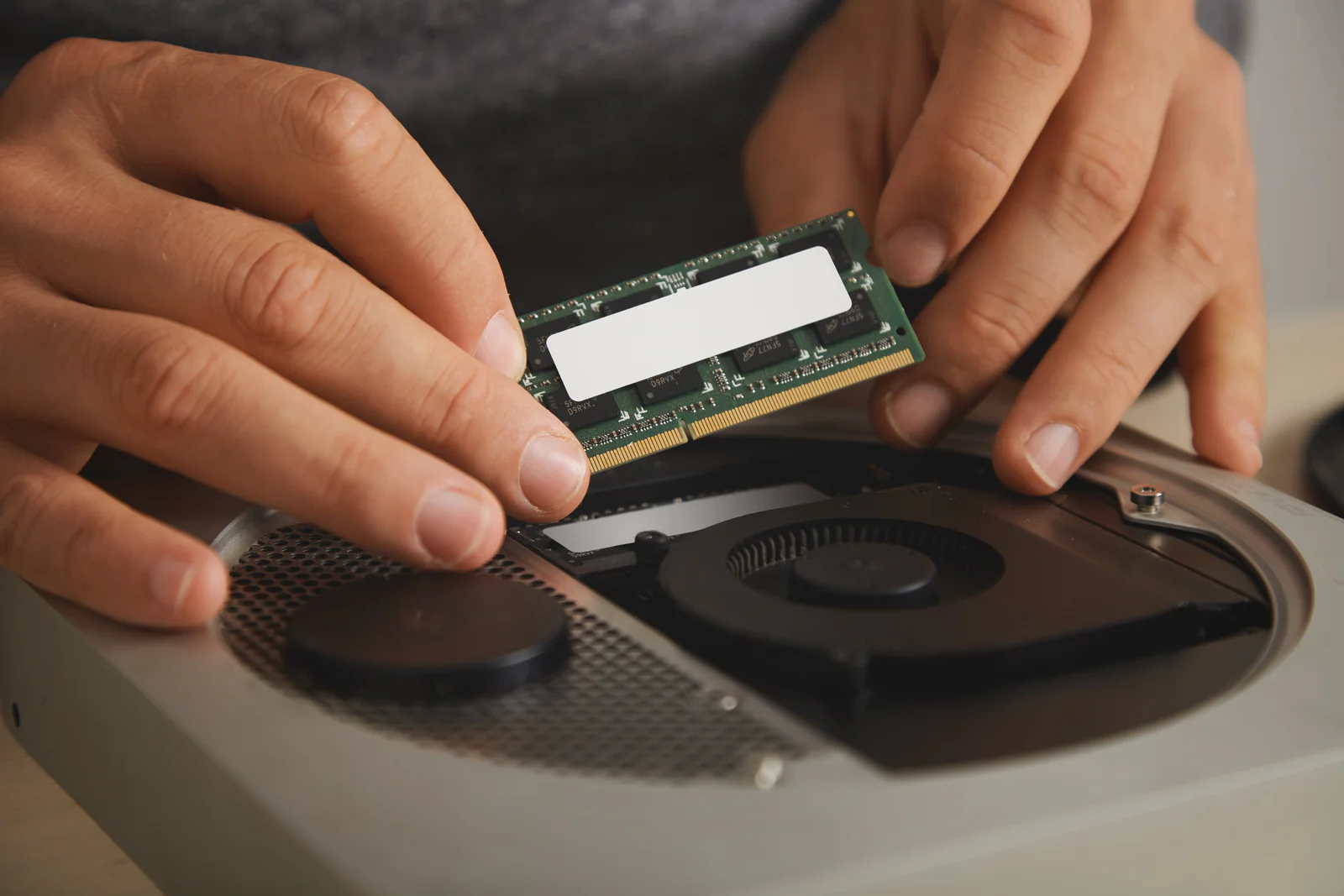
In the intricate world of computing, many components work in concert to deliver a seamless user experience. While processors often grab the spotlight, the role of Random Access Memory, or RAM, is equally fundamental, yet frequently misunderstood. It acts as the system's short-term memory, a crucial bridge between your CPU and long-term storage, constantly managing active data.
Understanding RAM's function goes beyond merely knowing its capacity. Its speed, latency, and configuration significantly influence how quickly your computer can access and process information. This direct impact on system responsiveness is often the unseen force behind a smooth-running application or a frustratingly slow operation, affecting everything from browsing to complex design tasks.
Imagine your computer as a busy office. The CPU is the diligent worker, and the hard drive is the filing cabinet where all documents are stored. RAM, in this analogy, is the desk space. A larger, more organized desk allows the worker to have more documents open and accessible simultaneously, leading to greater efficiency and faster task completion.
Insufficient or slow RAM can create significant bottlenecks, forcing the system to constantly swap data between the much slower long-term storage and the CPU. This process, known as "paging" or "swapping," drastically reduces performance, leading to noticeable delays and a general sluggishness that can impede productivity and user satisfaction.
For professionals and everyday users alike, recognizing the profound influence of RAM is key to optimizing computer performance. It's not just about having "enough" memory; it's about having the right kind and amount for your specific workload. This distinction is vital for anyone seeking to enhance their digital experience, a principle IDs Process champions.
Where RAM's Influence is Most Apparent
- Gaming: High-speed RAM reduces loading times and ensures smooth frame rates in demanding titles. Limitation: Excessively high capacity beyond what games utilize offers diminishing returns.
- Video Editing & 3D Rendering: Ample, fast RAM allows for handling large files and complex timelines without constant disk access. Limitation: CPU and GPU capabilities remain primary bottlenecks for final render times.
- Virtualization & Software Development: Running multiple virtual machines or compiling large codebases benefits immensely from generous memory. Limitation: Compatibility issues can arise with specific memory types and older motherboards.
Expert Perspectives on Memory Optimization
Experts often debate the optimal balance between RAM capacity and speed. While a larger quantity of RAM prevents system slowdowns due to insufficient memory, higher clock speeds and lower latencies contribute to snappier application response times. For many, a balanced approach offers the best value, considering both aspects in relation to their primary use cases.
A common misconception is that simply adding more RAM will solve all performance issues. While increasing capacity can certainly help if you're frequently hitting memory limits, it won't magically accelerate a system bottlenecked by a slow processor or an outdated storage drive. The entire system architecture must be considered for true optimization.
Another point of discussion revolves around single-channel versus dual-channel memory configurations. Running two smaller RAM sticks instead of one larger one often provides a significant performance uplift due to increased memory bandwidth. This configuration allows the CPU to access data more efficiently, a detail often overlooked by casual users.
Some argue that the benefits of extremely high-frequency RAM are negligible for everyday tasks, with the sweet spot lying in mid-range speeds. While enthusiasts chasing every last frame might disagree, for most professional applications, stable, moderately fast memory paired with sufficient capacity often delivers the most consistent and reliable performance.
The evolution of DDR generations (e.g., DDR4 to DDR5) also presents a constant upgrade dilemma. While newer generations offer improved speeds and efficiency, the cost of adoption and the need for compatible motherboards can be a barrier. Careful evaluation of the performance gains versus the investment is always recommended for IDs Process clients.
Final Observations and Recommendations
In conclusion, RAM is a critical component profoundly influencing your computer's responsiveness and overall capability. Understanding its capacity, speed, and configuration empowers users to make informed decisions for optimal system performance.
Optimizing your memory setup unlocks significant improvements. By prioritizing this often-underestimated element, you ensure your machine operates at peak efficiency, handling demanding tasks with greater ease and providing a smoother computing experience.
Comments (6)


Vincent Gomez
We're glad to hear the analogy resonated with you! Understanding these core concepts is key to optimizing your setup. Feel free to reach out if you have further questions on memory optimization.

Mila Martinez
Interesting read. While I agree RAM is important, I sometimes wonder if the constant push for higher speeds is truly necessary for average users. It feels like marketing sometimes.

Bella Gutierrez
That's a valid perspective. As discussed, the 'sweet spot' for RAM speed often depends on individual use cases. For average users, sufficient capacity combined with moderate speeds usually offers the best balance of performance and value.

Connor Hayes
Excellent breakdown! I always focused on the CPU, but this really highlights RAM's crucial role. IDs Process clearly knows their stuff when it comes to system optimization.

Dean Fisher
Thank you for your kind words! We strive to provide clear and actionable insights into all aspects of computer performance. We appreciate you recognizing our expertise.
Marvin Turner
This article clarified so much about RAM that I never truly understood. The analogy of the desk space was particularly helpful. I'm definitely going to reassess my system's memory now. Great insights!