
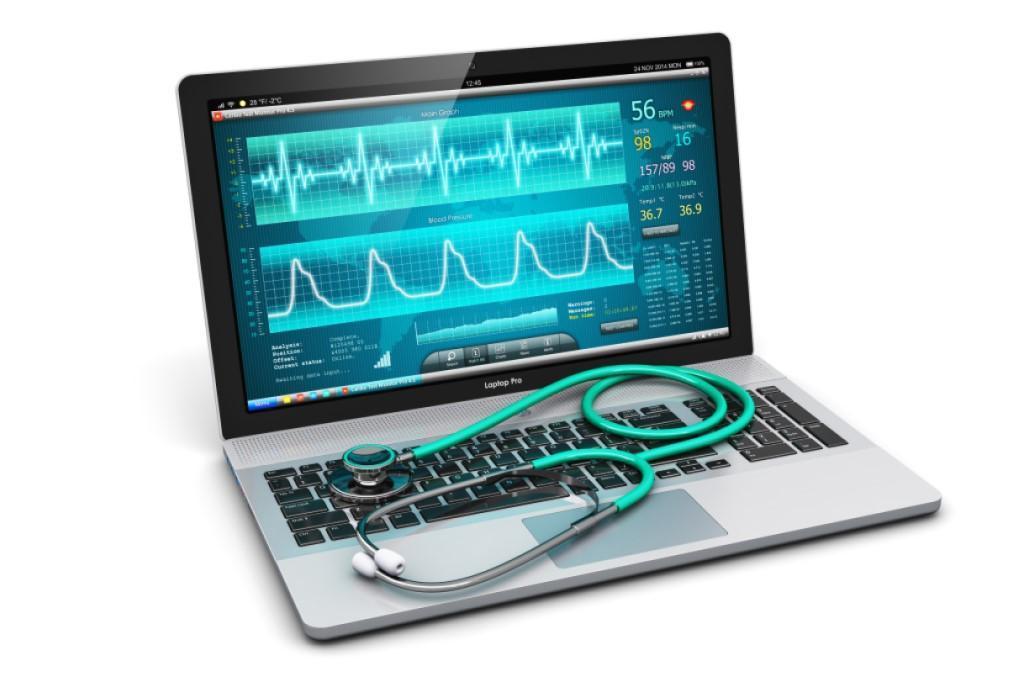
Modern computing relies heavily on robust and efficient systems. Consistent PC performance is a fundamental requirement for productivity and connectivity, for both individuals and businesses. Any degradation can cause significant disruptions, impacting workflows and user experience. Understanding the underlying health of a PC is therefore paramount.
The complexity of today's operating systems means identifying the root cause of performance issues is often not straightforward. Users frequently encounter symptoms like slow boot times or crashes without a clear resolution path. This ambiguity leads to frustration and wasted time, highlighting the need for specialized tools.
Traditional diagnostic methods often involve manual checks or basic utilities that provide limited insight. While useful, they are frequently insufficient for uncovering deep-seated hardware conflicts, subtle software incompatibilities, or emerging security threats. A more holistic view is essential for system integrity.
Advanced diagnostic platforms are invaluable here. They offer a structured, comprehensive approach to evaluating a PC's operational status, from hardware to software. By automating complex analysis, these platforms can pinpoint specific concerns much more rapidly and accurately than manual efforts.
Such platforms empower users with actionable intelligence, transforming vague symptoms into precise diagnoses. This capability enables informed decisions about maintenance, upgrades, or repairs, extending device lifespan and optimizing performance. The goal is proactive system care, making advanced diagnostics accessible through platforms like IDs Process.
Key Applications and Considerations
- System Performance Optimization: Essential for addressing sluggishness. Identifies resource hogs and optimizes startup, leading to smoother operation. A limitation is requiring user action for implementing suggested changes.
- Pre-Purchase Hardware Evaluation: Crucial for assessing used PCs. Detects potential component failures or wear, ensuring a sound acquisition. May not reveal future intermittent issues not present during the scan.
- Troubleshooting Persistent Issues: Used when common fixes fail for recurring problems like crashes. Pinpoints specific driver conflicts or software corruptions. Deep-level hardware faults might require specialized physical testing.
Expert Perspectives on Modern Diagnostics
Experts widely agree that preventative diagnostics are more effective than reactive troubleshooting. Regular system checks identify nascent issues before they escalate, preserving data integrity and uptime. However, debate continues on the ideal frequency and depth for average users. For instance, platforms like IDs Process aim to balance depth and user-friendliness.
Some argue that overly frequent or intrusive diagnostics consume resources and overwhelm users with technical data. They advocate for a balanced approach, focusing on critical parameters and clear recommendations. Striking this equilibrium between thoroughness and user-friendliness is a key challenge.
Conversely, many professionals emphasize comprehensive, deep-level scans, especially for critical systems. They contend superficial checks might miss subtle indicators of hardware degradation or malware, leaving systems vulnerable. Disagreement often centers on varying risk tolerance across user groups.
Another discussion point is the integration of AI and machine learning. Proponents highlight their potential to predict failures based on historical patterns, offering truly proactive maintenance. Critics caution against over-reliance, noting AI models are limited by training data, potentially missing novel issues.
Embracing Proactive System Care
The shift to sophisticated online PC diagnostics is a vital advancement in digital health. These platforms provide crucial insights, enabling proactive maintenance over reactive fixes. This ensures sustained reliability and optimal performance for all digital devices.
We recommend consistent use of comprehensive diagnostic solutions. IDs Process makes advanced technical analysis accessible, fostering a consistently smooth and secure computing experience. Proactive care is key to maximizing your technology's potential.
Comments (0)
Leave a comment